Home
On-Demand Training
Glossary
New Releases
Name
View dashboard
Profile
Log out
Login ADA Platform
All courses
Overview
Plan
4
Videos
4:37
This course contains lessons pertaining to the Plan module on the ADA Platform.
Start course
Summary
Lessons in this course
1:47
Plan Options
This video covers the various options users have within an existing plan on the ADA Platform.
1:08
Plan - List View of Suppliers
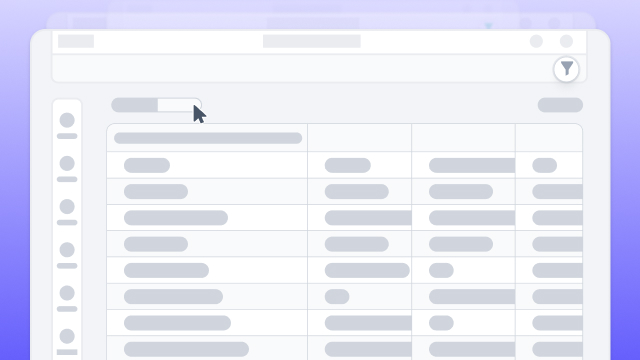
To access the list view in the ADA Platform, users switch from the overview tab to the list tab, where they can view matched suppliers by default, explore spend lines or ultimate parent levels, and filter phases as needed, offering sorting and filtering options for each column, the ability to export to Excel, hide or show specific columns for export, and a seamless transition to detailed supplier information by clicking on the supplier's name.
1:14
Creating a Plan
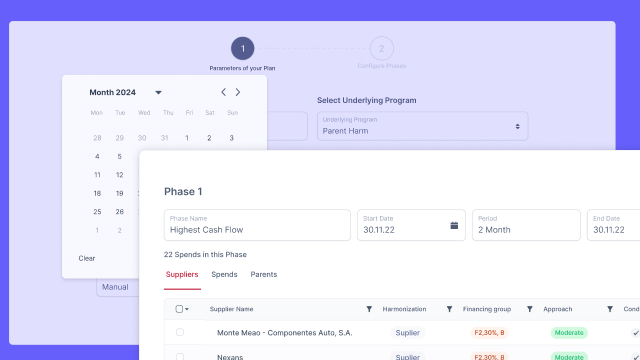
The video instructs users on creating a plan in the ADA Platform, prompting them to name the plan, set a period with flexible durations, and optionally add rest phases for breaks in negotiations, with a reminder to refer to a previous video for details on the maximum target amount based on a created program.
2:31
Plan Overview
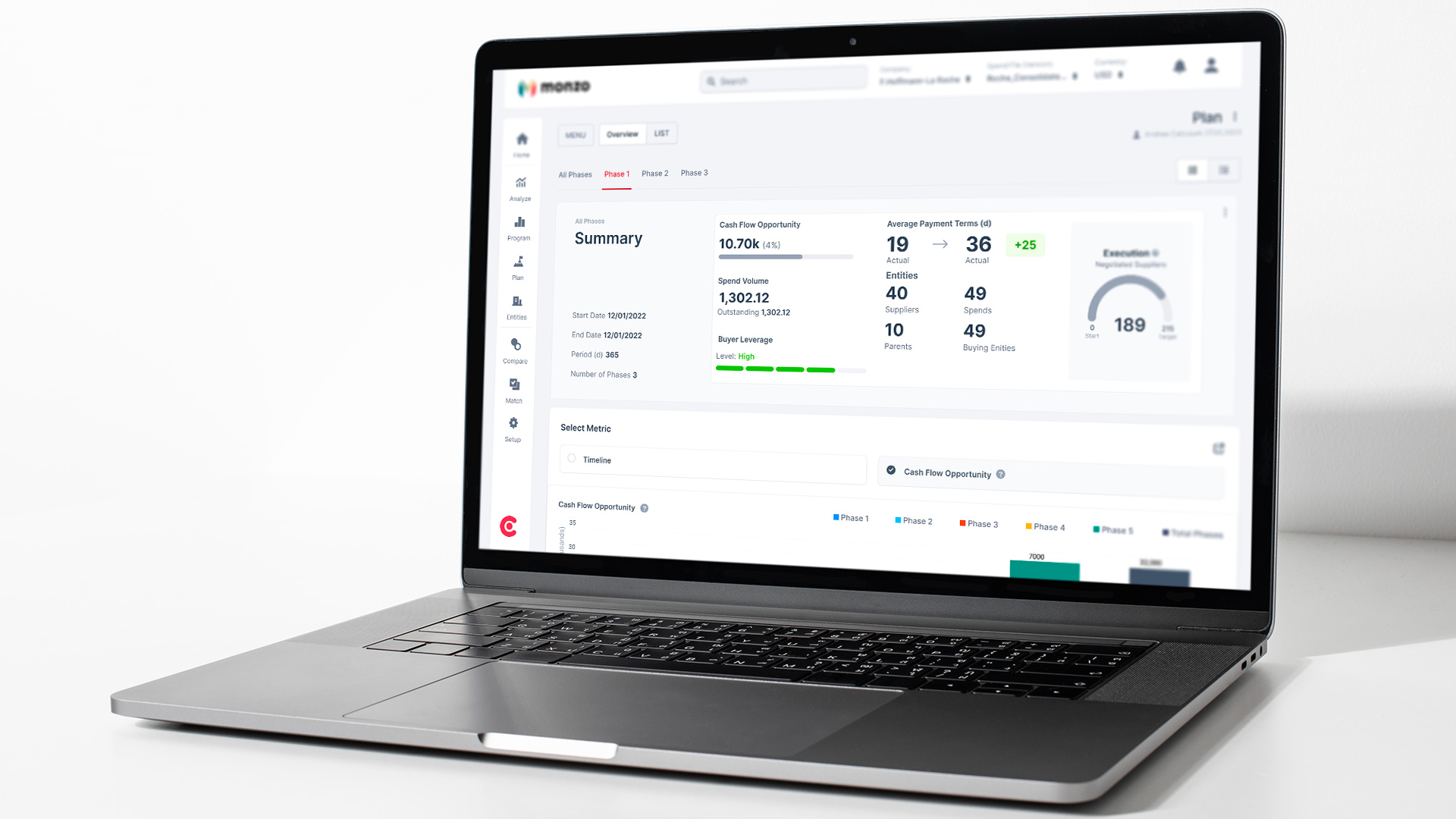
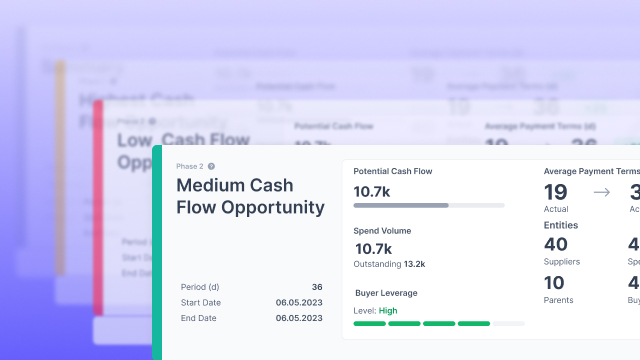
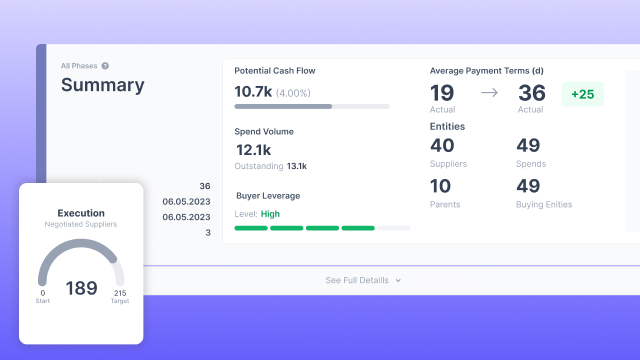
The overview screen of the plan displays phases, dates, cash flow opportunities, buyer leverage, average payment terms, and execution progress, with options to analyze data through charts and breakdowns for each phase, including supplier details, financing groups, harmonization groups, credit ratings, industries, and countries.